[.green-span]Business Loan Broker Tools: The 2026 Guide to Building a Stack That Closes More Deals[.green-span]
Business loan broker tools are software that helps brokers find, package, submit, track, and get paid on small business deals. They cover four jobs: managing leads, collecting documents, sending deals to lenders, and tracking commissions.
Brokers and ISOs use them most. An ISO (independent sales organization) is a firm that sells financing products on behalf of one or more lenders.
The market is big. The SBA Office of Advocacy counts 36,207,130 small businesses in the United States, where "small" generally means fewer than 500 employees.
Demand for capital is steady, too. In the Fed Small Business Credit Survey, 60% of responding employer firms applied for some type of financing in the prior 12 months. Only 38% applied for a loan, line of credit, or merchant cash advance (MCA), and the survey draws on a convenience sample of employer firms.
The best business loan broker software is built around speed to funding. That's the time from a borrower's first application to money in their account. Every day a file sits in an inbox gives the borrower another day to shop elsewhere.
Why Brokers Need Purpose-Built Tools
Most deals don't get a clean yes from the first lender. The Federal Reserve Banks' 2026 report on employer firms found 42% of applicants got the full amount they sought. Another 36% got some or most, and 22% got none.
That means more than half of applicants came up short. For a broker, each partial approval or decline is a reason to send the file to another lender—and that's where spreadsheets and email break down.
Lender channels are shifting as well. In the same Fed survey, the share of applicants seeking financing at online fintech lenders rose from 17% (2020) to 29% (2025). Many online lenders take submissions through portals and APIs (application programming interfaces, which let two systems share data directly), so clean digital files matter.
Without purpose-built business loan broker tools, brokers hit the same problems on every deal:
- Scattered data: Borrower details live in a CRM, bank statements in email, and lender updates in separate portals.
- Re-keying: Staff type the same data into each lender's form, which adds errors and delays.
- Missed follow-ups: Missing documents and expiring offers slip through without automatic reminders.
- Unclear pay: Commissions tracked in spreadsheets are hard to forecast and easy to miss.
The Four Layers of a Broker Tech Stack
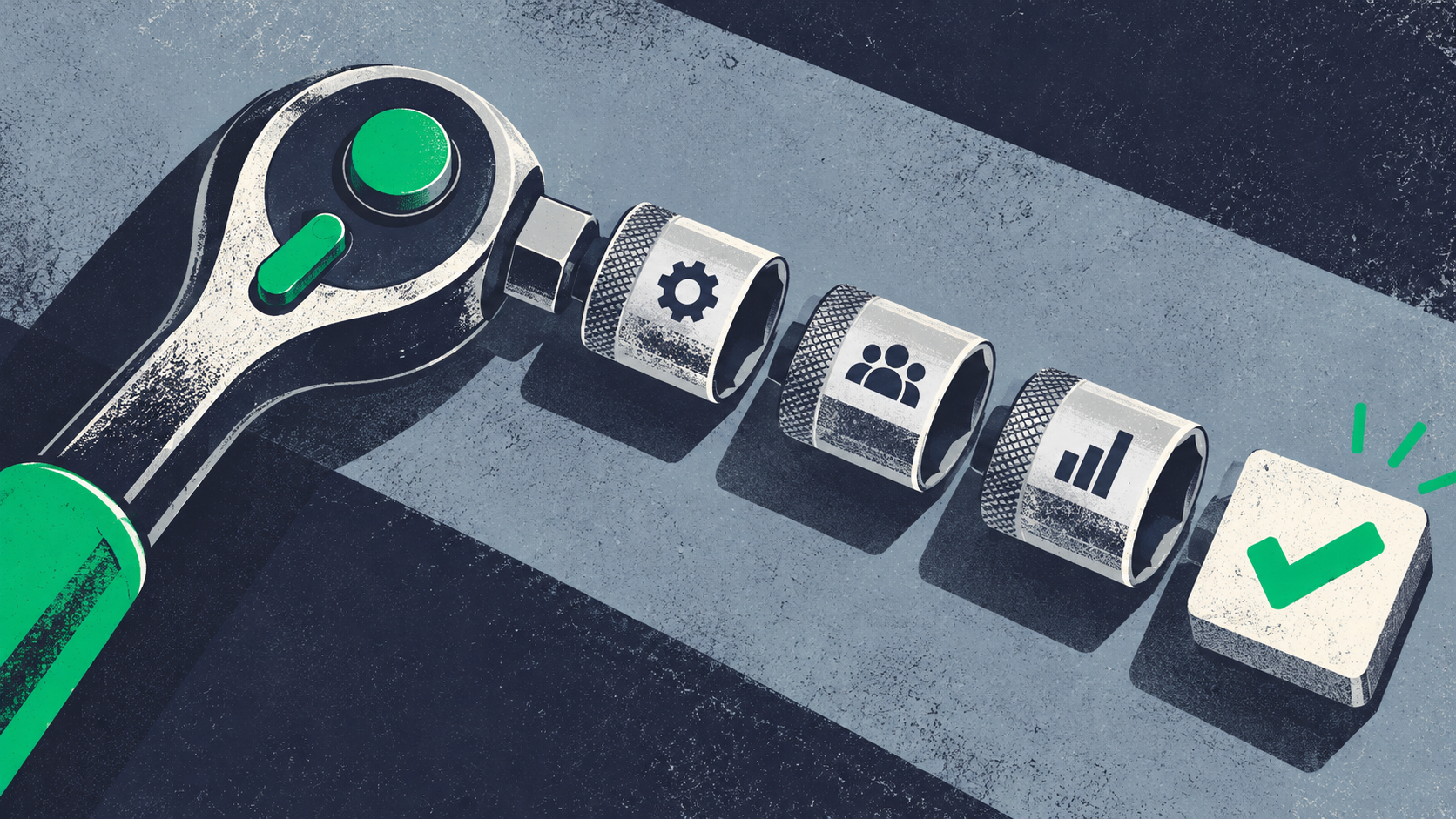
A complete stack of business loan broker tools has four layers. Each one handles a different stage of the deal, from first contact to the renewal.
You can buy each layer from a different vendor or get several in one platform. Either way, the layers need to share data so nobody types the same thing twice.
Layer 1: CRM and Pipeline Management
A CRM (customer relationship management system) stores every lead, borrower, and conversation in one place. It also shows where each deal sits in your pipeline, which is the full list of deals in progress.
General CRMs track contacts and sales stages well. A commercial loan broker CRM adds lending details that general tools leave out:
- Deal-level records: Each deal tracks the amount requested, product type, and use of funds.
- Lending stages: Stages match real steps, such as "docs complete" and "offers received."
- Lender fields: Each deal shows which lenders saw it and how each one responded.
Layer 2: Application Intake and Document Collection
Intake is where deals stall most often. Lenders want bank statements, IDs, and stips before they make a final offer. Stips (stipulations) are extra documents a lender asks for, such as a voided check or tax return.
Skip the email chains—give borrowers one secure portal to apply, upload files, and see what's still missing. Lendflow's Borrower Platform gives borrowers a unified experience for this step.
Next, cut manual review. AI document analysis reads uploaded files and pulls out key data so reps spend less time on manual review. Lendflow's Doc Analyzer handles this step, freeing reps to work on deals.
Layer 3: Lender Matching and Submissions
$1.5B+ in offers were made on the Lendflow platform in the 12 months before March 2025. Volume like that depends on getting each deal to the right lenders fast.
Start with a lender matrix. That's a chart of each lender's credit box, such as minimum credit score, time in business, monthly revenue, industries, and states served.
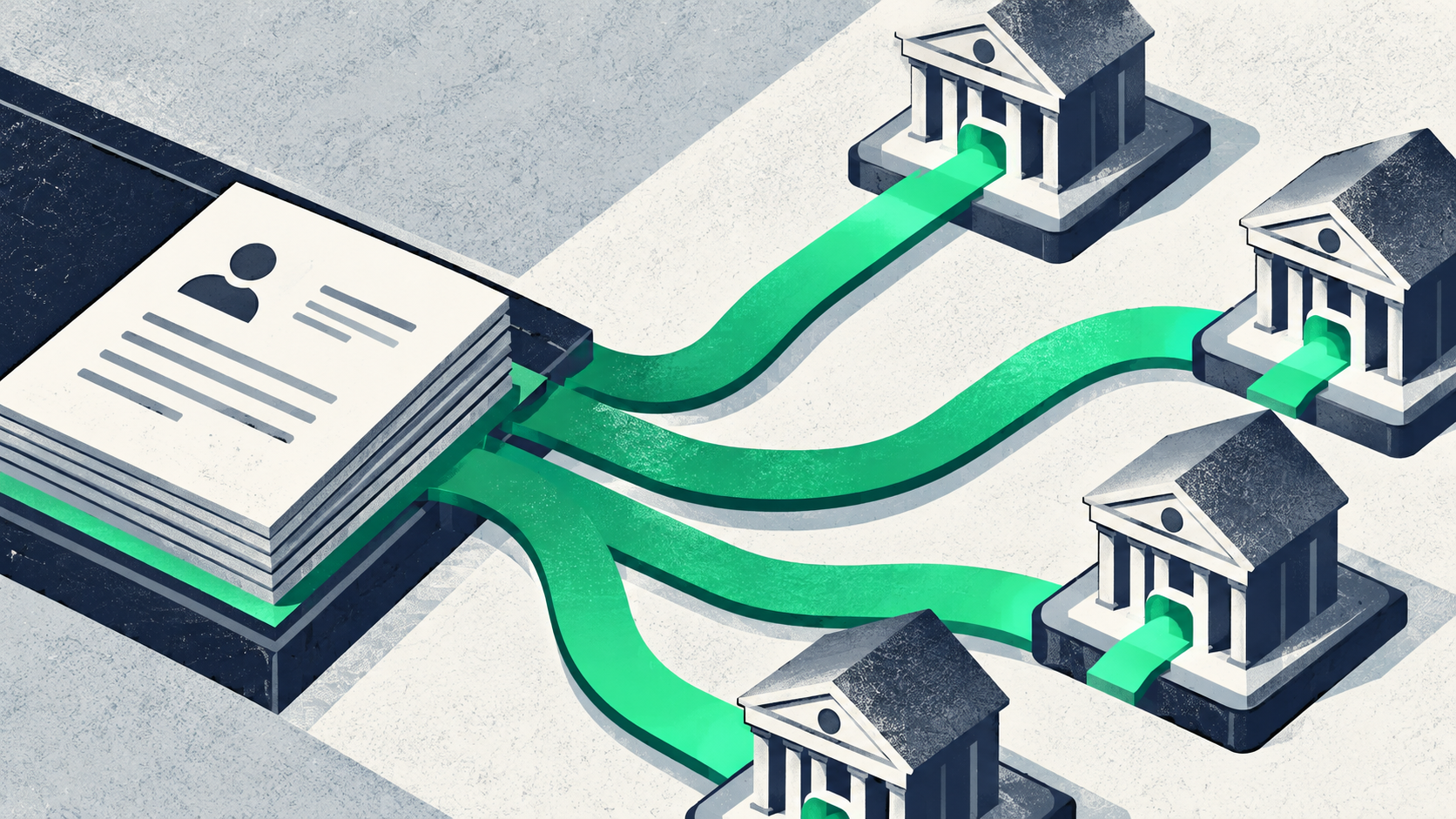
Then route deals with business loan broker software. Multi-lender marketplace platforms let you send one clean file to several lenders at once and track every response.
The strongest tools also handle declines for you. With decline waterfall routing, a declined deal moves to the next best-fit lender automatically, so no deal is left on the table.
Routing only works if lenders are there to receive it. Building your lender network across term loans, lines of credit, equipment financing, SBA loans, and MCAs gives every borrower more paths to a yes.
Layer 4: Commissions, Renewals, and Reporting
This layer makes sure you get paid. Most broker revenue comes from commissions, which are fees a lender pays for placing a deal.
Commission tracking also has to cover clawbacks. A clawback is when a lender takes back a commission, often because the borrower defaulted or paid off early within a set window.
Look for these features in this layer:
- Commission forecasts: See expected payouts by deal, rep, and lender before funds land.
- Clawback tracking: Flag deals still inside a clawback window so you can plan cash flow.
- Renewal alerts: Get notified when a borrower has paid down enough to qualify for new funding.
- Rep splits: Calculate each rep's share automatically instead of in a spreadsheet.
- Lender reports: Compare approval rates and funding speed across lenders.
How a Broker Pipeline Should Flow
Lendflow's embedded finance customers operate with 80% smaller teams while converting similar funding volumes. Automated document handling, communication, and decision support help keep teams lean as volume grows.
A good pipeline uses the same stages for every deal. Each stage should trigger an action, so nothing depends on someone's memory:
- New lead: Capture the lead source and contact details, then assign a rep automatically.
- Qualified: Confirm basic fit, such as revenue, time in business, and amount needed.
- Application sent: Send a portal link and start a reminder timer for unfinished applications.
- Docs complete: Check every required document and stip before the file moves forward.
- Submitted: Route the file to matched lenders and log each submission time.
- Offers received: Compare offers side by side and share options with the borrower.
- Contracts out: Send contracts for e-signature and track who has signed.
- Funded: Record the funded amount and expected commission.
- Renewal watch: Set a reminder for when the borrower may qualify for more funding.
In good business loan broker tools, automation rules tie the stages together. For example, a file stuck in "docs complete" for two days could alert the rep. A decline could trigger the next lender in the waterfall.
For a deeper walkthrough, see our guide to optimizing deal flow to funding.
Compliance Tools Every Broker Should Have
Brokers handle bank statements, Social Security numbers, and tax returns every day. That makes data security and offer disclosures a core part of the job.
The rules below can change, and this section is not legal advice. Use it to plan which tool features to ask about, then confirm your obligations with counsel.
Data Security and the FTC Safeguards Rule
The FTC Safeguards Rule requires non-bank financial institutions to protect customer information. The FTC lists examples such as mortgage brokers and finders, and it looks at what a business does rather than what it calls itself.
Business loan brokers and ISOs may be covered, depending on their activities. Confirm with counsel whether the rule applies to your firm.
According to the FTC Safeguards Rule guidance, covered firms must notify the FTC as soon as possible after discovering certain breaches, and no later than 30 days. The trigger is a breach involving at least 500 consumers' unencrypted information. That requirement took effect in May 2024.
Business loan broker tools should make security the default:
- Secure portals: Collect documents through encrypted uploads instead of email attachments.
- Access controls: Limit who can view sensitive files by role.
- Multi-factor login: Require a second step, such as a code, to sign in.
- Audit logs: Record who viewed, changed, or shared each file.
State Commercial Financing Disclosures
Several states now require cost disclosures on commercial financing offers. California and New York are two of the best-known examples.
Under the California SB 1235 text, providers must make disclosures on commercial financing offers of $500,000 or less. These include total funds provided, total dollar cost, term, payment method and amount, and prepayment policies. The provider must also get the recipient's signature before closing the deal.
New York's rules reach larger deals. A New York CFDL overview from law firm Buchalter explains that providers of commercial financing up to $2,500,000 must give standardized disclosures. Per that analysis, providers include people who present offers on a third party's behalf, which can include brokers.
Other states have passed similar laws, so check current rules for every state you serve. Useful tool features include state tagging on each deal, disclosure templates, e-signature capture, and records you can pull up later.
Broker Tools vs. Direct Lender Software
Brokers place capital, while direct lenders deploy their own capital. That difference changes what each one needs from software.
Lenders often run loan origination software (LOS). An LOS is the system a lender uses to take applications, underwrite, approve, and fund loans. Business loan broker tools focus on moving one deal across many lenders instead.
Some platforms serve both sides. Brokers and lenders on one platform can share the same clean file instead of re-keying it.
How to Choose the Right Business Loan Broker Tools
Pre-qualified offers hosted on Lendflow drive an average of 42% faster speed to funding. A pre-qualified offer is an estimated offer based on early borrower data, made before full underwriting.
That's the bar to set. Judge business loan broker tools by how fast and cleanly they move a deal to funding.
Test the "Ugly Path" Before You Buy
Every demo shows a perfect deal. Ask the vendor to run a messy one instead, because that's what your team will handle every week.
Use a real-world scenario during the demo:
- Missing documents: Upload only two of three bank statements and see how the tool flags it.
- Partial approval: Enter an offer for less than the amount requested and see what happens next.
- Decline: Mark a lender decline and check whether the deal moves on automatically.
- Clawback: Record an early payoff and confirm the commission adjusts.
Watch for Hidden Costs and Red Flags
The price on the proposal is rarely the full cost. Ask every vendor to list fees in writing before you sign.
- Per-seat fees: Costs can climb quickly as your team grows.
- Per-submission fees: Charges per lender submission can add up on high-volume desks.
- Setup and migration fees: Moving old deals and contacts may cost extra.
- Add-on modules: E-signature, portals, or reporting may be sold separately.
- Closed lender lists: Some tools limit which lenders you can reach.
- No export option: You should be able to take your data with you if you leave.
If you want the four layers in one place, Lendflow for brokers brings multi-lender submissions, real-time deal tracking, lender waterfall logic, and commission tracking together. Skip long build cycles—launch with plug-and-play widgets, landing pages, and APIs in days.
FAQ
Brokers and ISOs often ask these questions when they start comparing business loan broker software.
What is the best loan software for small business brokers?
The best option is the one that covers all four layers, connects to a broad lender network, and routes declines automatically. Test each tool with a messy real deal before you decide.
What is the difference between a broker CRM and loan origination software?
A broker CRM tracks leads, deals, and lender responses so brokers can place deals with outside lenders. Loan origination software helps a lender take applications, underwrite, approve, and fund loans with its own capital.
Can HubSpot or Salesforce replace dedicated lending software?
General CRMs like HubSpot and Salesforce can manage contacts and sales stages, but they don't handle lender routing, stips, or commission clawbacks on their own. Most brokers either add lending tools to them or use a broker-built platform.
Does the FTC Safeguards Rule apply to loan brokers?
Business loan brokers and ISOs may be covered, because the FTC looks at a firm's activities rather than its label. Confirm with counsel whether the rule applies to your business.
How much does business loan broker software cost?
Costs vary by team size, features, and how many lenders you connect. Ask each vendor for a written quote that lists seat, submission, setup, and add-on fees.
Close More Deals With Lendflow
Stop juggling spreadsheets, inboxes, and lender portals—move every deal from application to funding on one platform. Book a demo to see how Lendflow helps your team connect capital and grow.